Table of Contents
If you are a physiotherapist, psychotherapist, or medical doctor, you already know that clinical documentation is one of the most time-consuming parts of your day. Writing patient notes from scratch leads to burnout and administrative backlog.
The easiest way to standardize your documentation and save hours of administrative time is by using a structured SOAP note template.
In this guide, we will explain exactly how to write the perfect clinical note, provide a free template you can use immediately, and show you how to automate the entire process to make your clinic run effortlessly.
What is a SOAP Note?
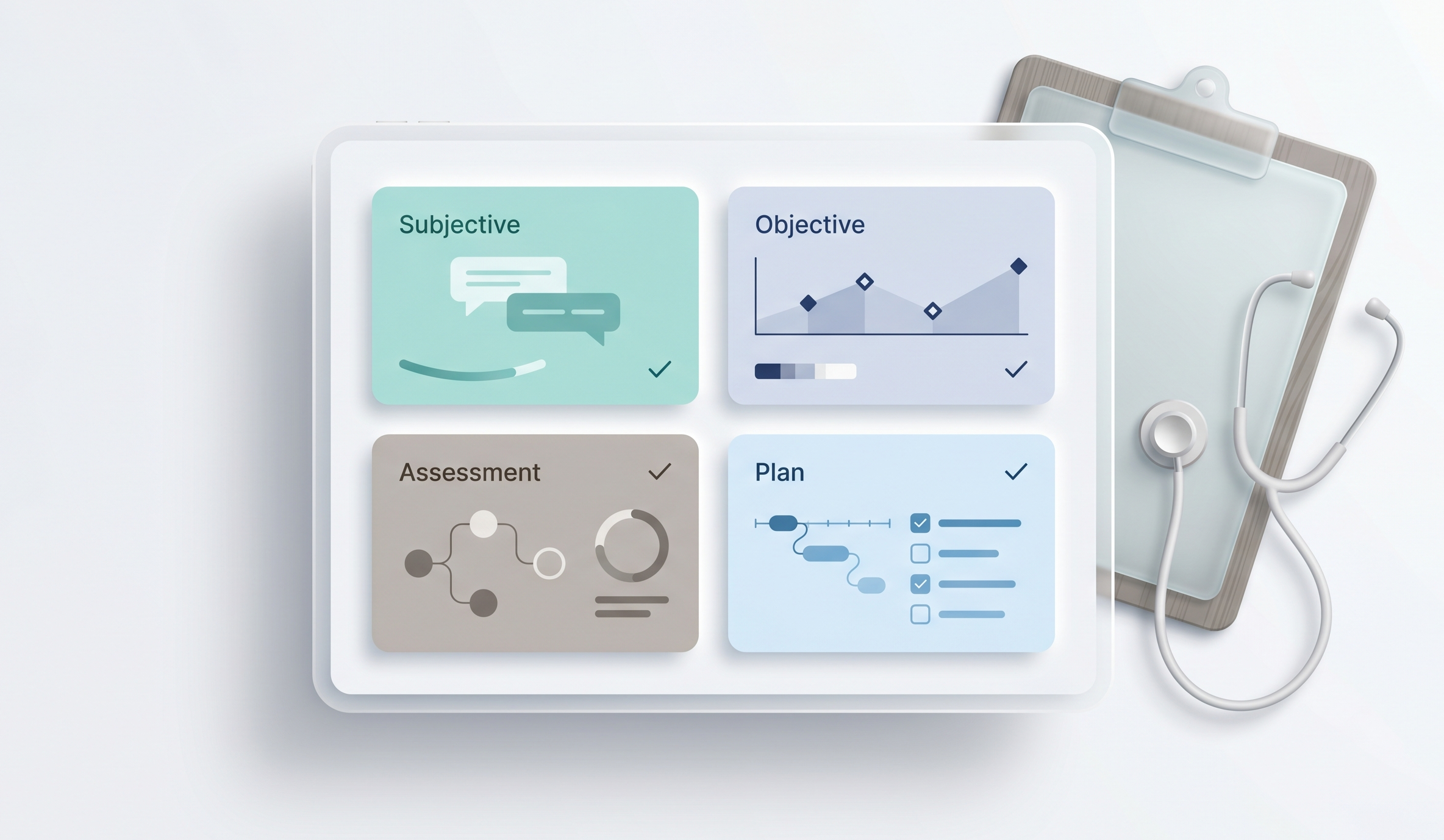
A SOAP note is a universally recognized method of documentation used by healthcare providers to write out notes in a patient’s chart. The acronym stands for:
- S – Subjective: What the patient tells you about their symptoms, pain levels, and history.
- O – Objective: What you observe and measure (e.g., vital signs, physical exam results, X-rays).
- A – Assessment: Your medical diagnosis or clinical impression of the patient’s condition.
- P – Plan: The treatment plan, prescribed medications, or scheduled follow-up appointments.
By following a standardized SOAP note template, you ensure that your records are legally compliant, easy for other practitioners to read, and useful for insurance billing purposes.
The Standard SOAP note template
You can copy and paste the following structure directly into a Word document, Google Doc, or your current patient management system.
Patient Name: [Insert Name]
Date of Birth: [Insert DOB]
Date of Visit: [Insert Date]
Practitioner: [Insert Your Name]
Subjective:
- Chief Complaint (CC):
- History of Present Illness (HPI):
- Current Pain Score (0-10):
Objective:
- Vital Signs: (BP, HR, Temp, Weight)
- Physical Examination Findings:
- Body-Side Specifics (Left/Right/Bilateral):
Assessment:
- Primary Diagnosis:
- Differential Diagnosis:
- Patient Progress: (Improving, Stable, Worsening)
Plan:
- Treatments/Techniques Applied Today:
- Home Exercise Program (HEP) / Medications Prescribed:
- Follow-up Appointment:
SOAP Note Example: Physiotherapy
To see how this works in the real world, here is a brief example of a completed note for a physiotherapy patient suffering from shoulder pain.
Subjective: Patient reports a sharp pain in their right shoulder that started three days ago after lifting a heavy box. They rate the pain as a 7/10. Pain worsens when reaching overhead.
Objective: Right shoulder range of motion (ROM) is restricted. Flexion is limited to 90 degrees. Mild swelling observed around the anterior deltoid. Left shoulder is normal.
Assessment: Acute right shoulder rotator cuff strain. Patient is currently stable but requires intervention to restore full ROM.
Plan: Applied ultrasound therapy for 10 minutes. Instructed patient to rest and apply ice for 15 minutes daily. Scheduled follow-up appointment in exactly one week.
The Problem with Manual Templates
While copying a free SOAP note template into a Word document is better than writing on a blank piece of paper, it is still incredibly inefficient.
Manual templates require you to type out every detail, save individual files for every single patient, and manually search through folders when you need to review a patient’s medical history. Furthermore, storing unencrypted patient data in standard word processors violates major privacy regulations like HIPAA and GDPR.
Automate Your Notes with Clinic Software
Instead of manually typing out a SOAP note template for every visit, modern clinics use specialized software.
This is where ClinDesk excels. Built specifically for independent practitioners, ClinDesk replaces manual typing with a fully digital, structured session log.
How ClinDesk automates clinical documentation:
- Custom Note Templates: Build your own structured templates (including multi-field dropdowns, checkboxes, and text areas) and reuse them with one click.
- Pain Score Tracking: Log a patient’s pain level on a 0-10 scale before and after every session to visually measure treatment effectiveness over time.
- Multi-Specialty Support: If your clinic offers different services, you can set a different default note format for Physiotherapy versus Acupressure.
- Chronological History: Instantly pull up a complete chronological timeline of every session for a specific patient without digging through paper files.
By upgrading your documentation system, you can finish your charting in under two minutes per patient, allowing you to focus entirely on providing excellent care.
Stop wasting time on paperwork. Try ClinDesk’s automated clinical notes today.
Visit Our Previous Blogs:
- 7 Proven Ways to Reduce Patient No-Shows & Prevent Double-Booking
-
5 Best Clinic Management Software London Clinics Use in 2026
FAQ Schema Block
Question 1: What does SOAP stand for in medical notes?
SOAP stands for Subjective, Objective, Assessment, and Plan. It is a structured format used by healthcare professionals to document patient encounters efficiently.
Question 2: Is it safe to use a Word document for a SOAP note template?
No, using standard Word documents to store patient data can be a violation of HIPAA and GDPR regulations. It is highly recommended to use encrypted clinic management software to store clinical notes.
Question 3: Can I customize my clinical notes?
Yes, modern platforms like ClinDesk allow you to create fully customizable note templates with dropdowns and checkboxes tailored to your specific medical specialty.